When collecting videos from a Toolset form, it’s preferable to upload videos externally rather than have users upload their videos directly to the server. This tutorial will show you how to set up the custom field for this and how users can get the link for their video submission.
Setting up the custom field #
Setting up the form #
See the general form setup documentation (to come soon)
Setting up the content template #
Where users get the link to provide #
2 common external video hosting options are Kaltura and YouTube. The field that accepts these external videos can use links from either if you want to give users options.
Here’s the specific link needed from each service:
YouTube Link
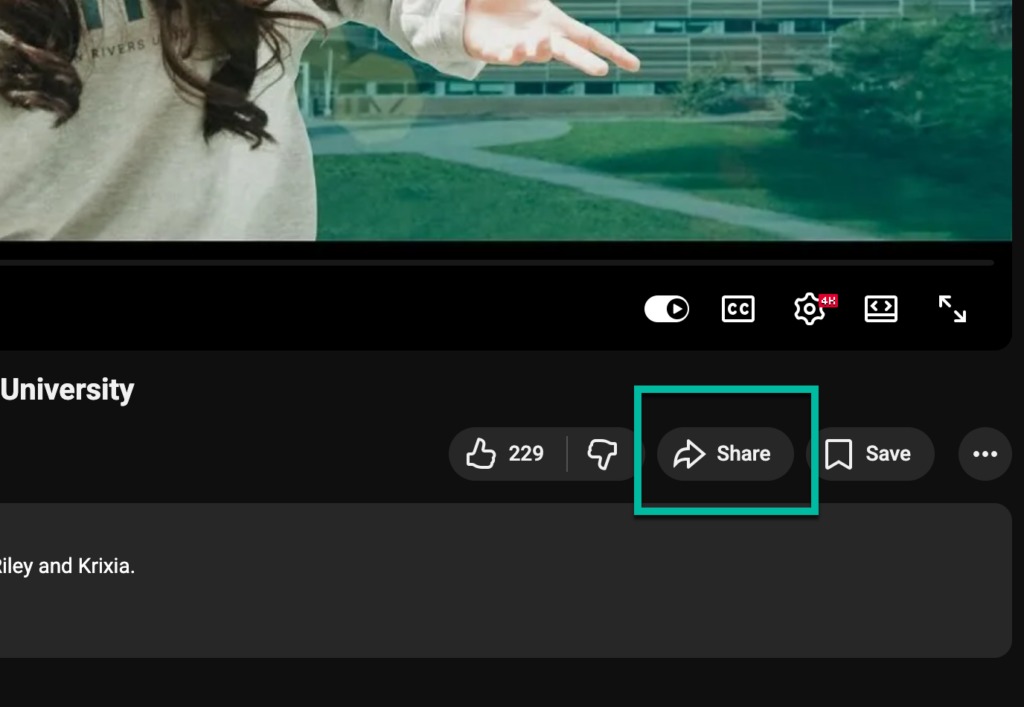
Go to the YouTube video and click the share button below the video playback.
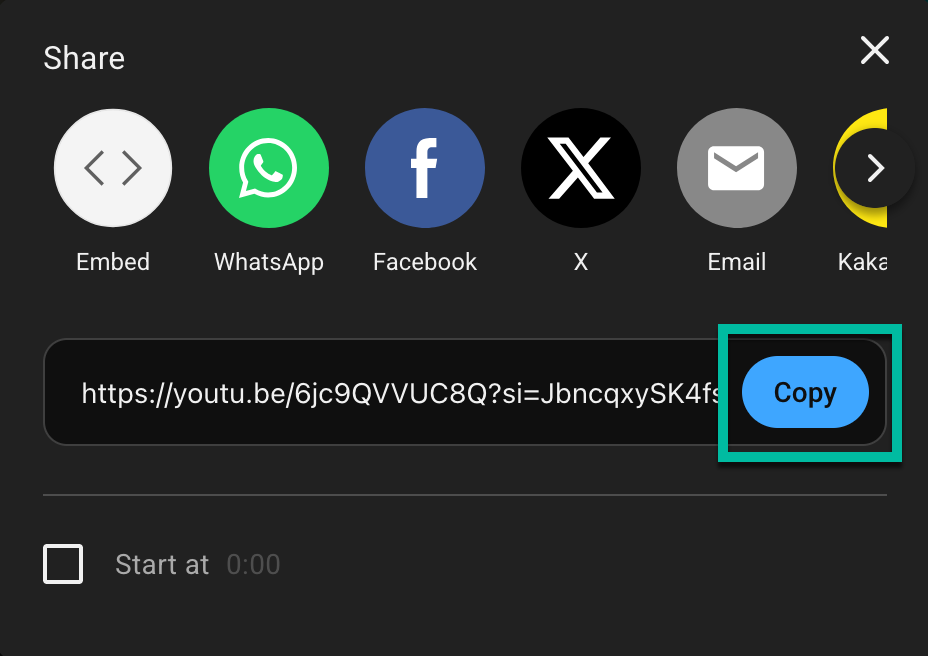
A popup will appear, click copy on the link provided.
Kaltura Link
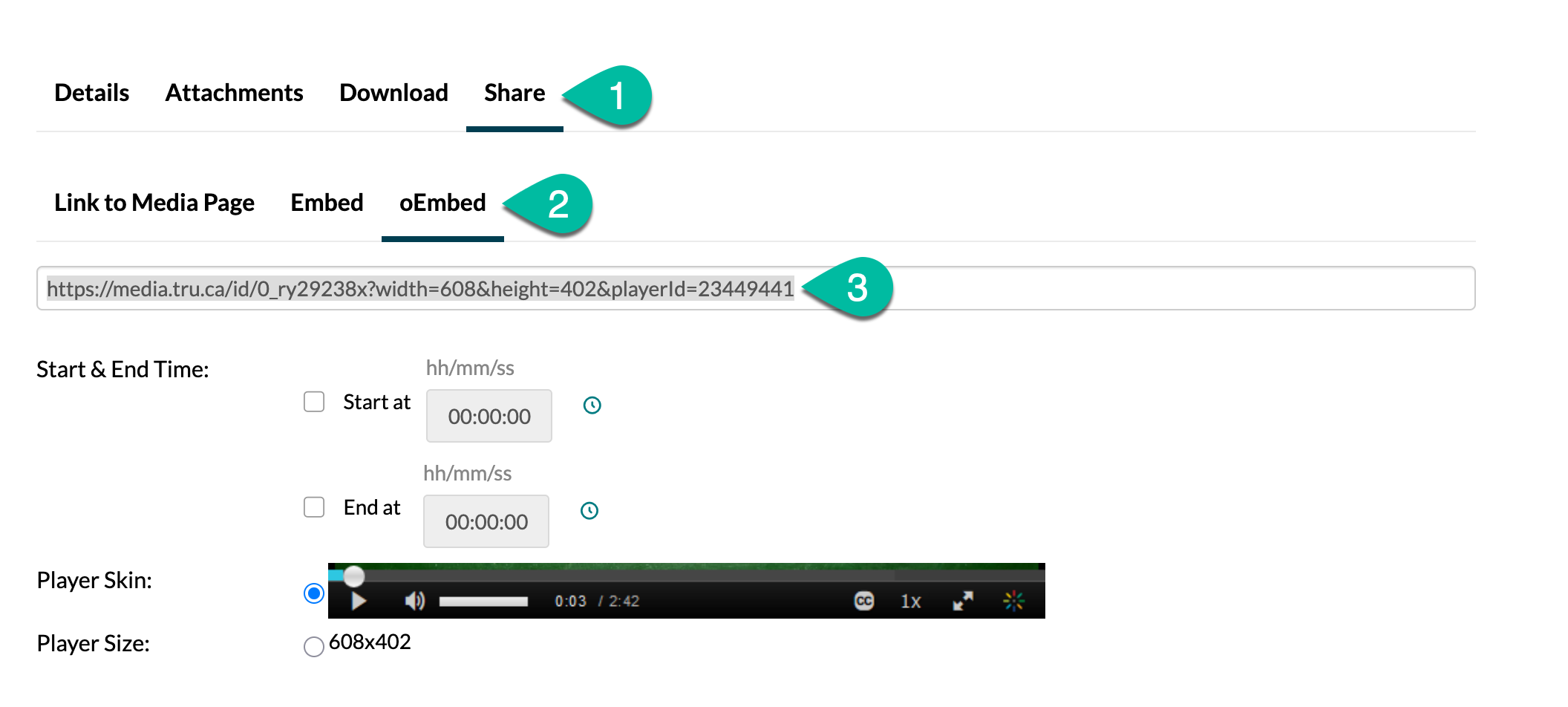
Go to your Kaltura video. Below the video is a details section with tabs you can click on.
- Click on the share tab
- Click on the oEmbed subtab
- Copy the link provided